For Teachers
Attendance teachers mark in seconds.
Arc pre-marks every student present, so teachers only tap the exceptions. Remarks, leave notes and live attendance trends are right there while marking.
Marking attendance in spreadsheets or clunky apps feels like filling a form — so teachers delay it and parents find out too late.
Arc pre-marks every student present, so teachers only tap the exceptions. Remarks, leave notes and live attendance trends are right there while marking.
What you get with Smart Attendance.
One-tap marking — every student present by default
Add a remark or leave note for late and absent students
See a student’s attendance trend while you mark
Update marked attendance in seconds (with undo)
Multiple-division support for proxy and combined periods
Automatic parent alert when a student is marked absent
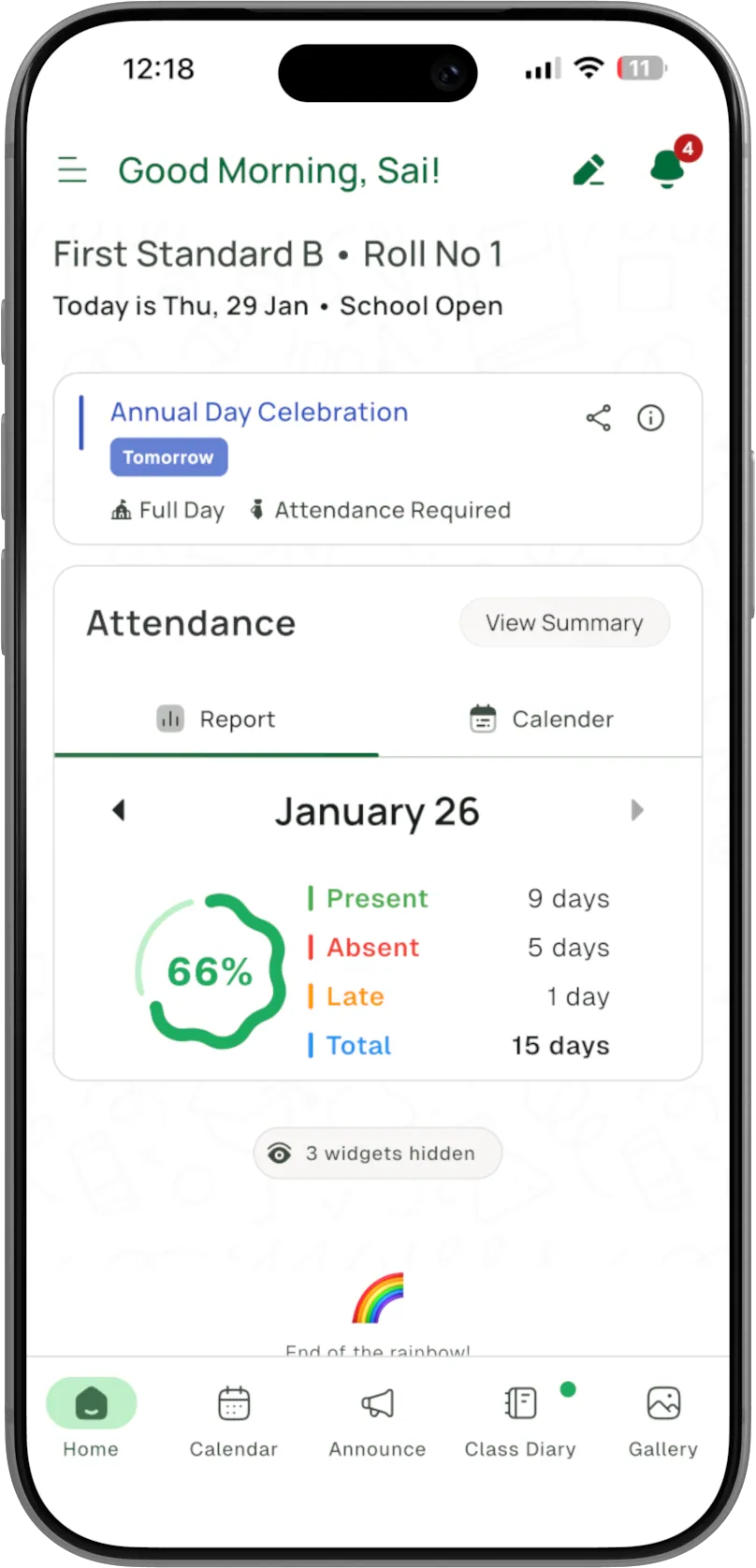
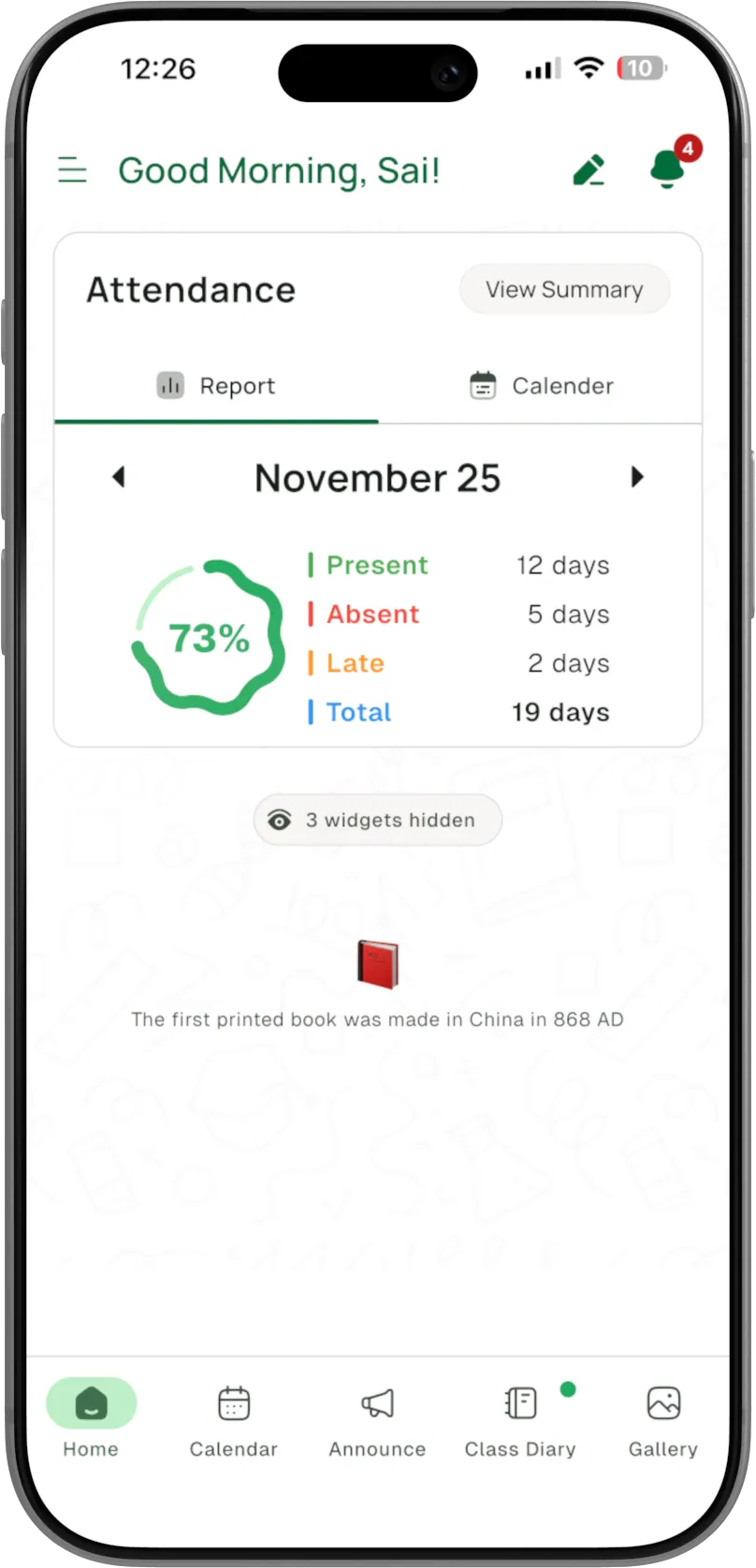
Whole-year attendance summary with present / absent / working days
Export a student’s attendance record to PDF
Smart Attendance vs. the old way.
Manual / old apps
- Tedious spreadsheet-like form
- Exported and analysed manually
- Manual phone calls
 With Arc
- One-tap, pre-filled
- AI trend shown while marking
- Automatic on absence
The details, covered.
Can a teacher handle a proxy or combined class?
Yes — Arc supports multiple divisions for a single teacher, so proxy periods are covered.
Can management see attendance for one student or a whole class?
Yes. Management can view any student, class or division, with visual graphs to compare divisions.
Can we export attendance?
A student’s full attendance record exports to PDF, and the whole academic year is summarised in-app.
30-minute demo
See Smart Attendance live.
Book a free 30-minute demo — we’ll walk your school through Smart Attendance and the rest of Arc, with setup and teacher training on us.